
RICH MENU
Rich Menu design and setup
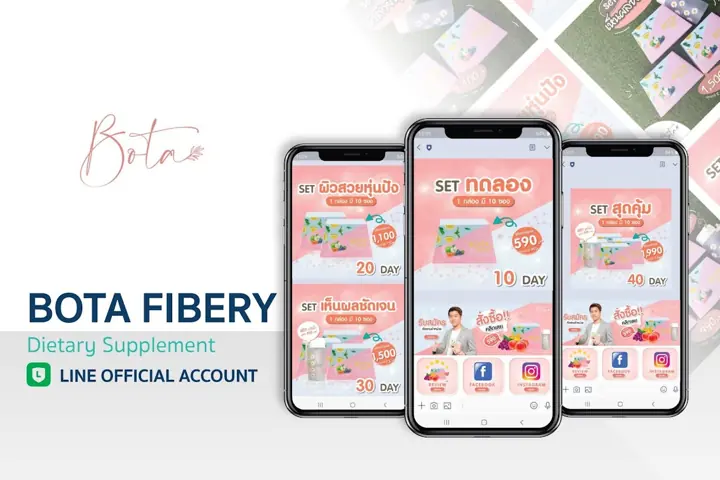
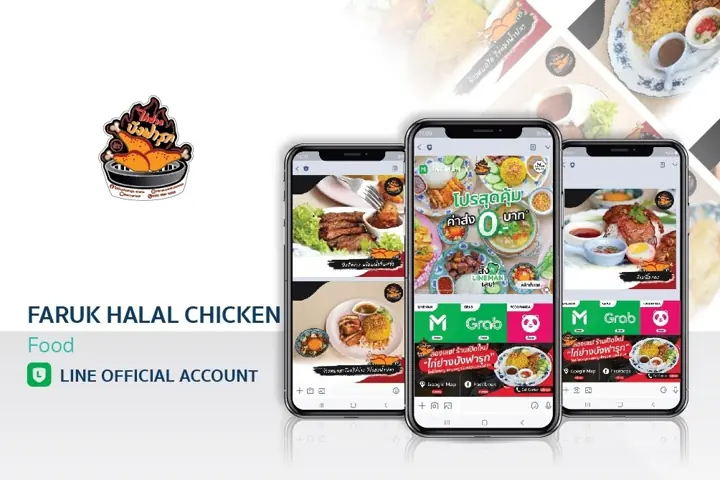
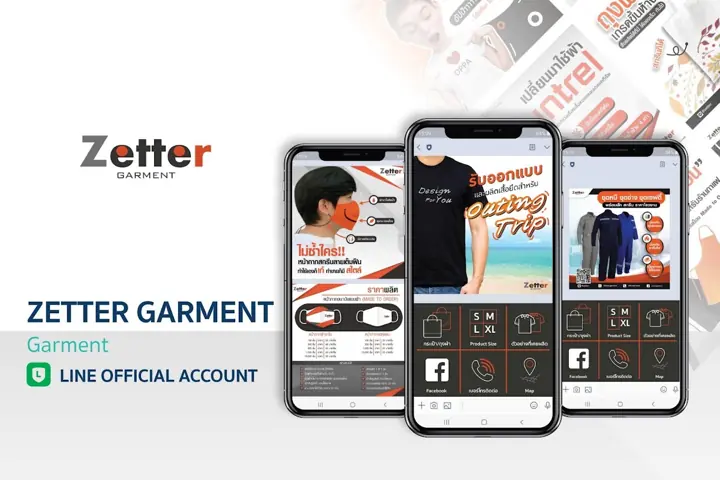
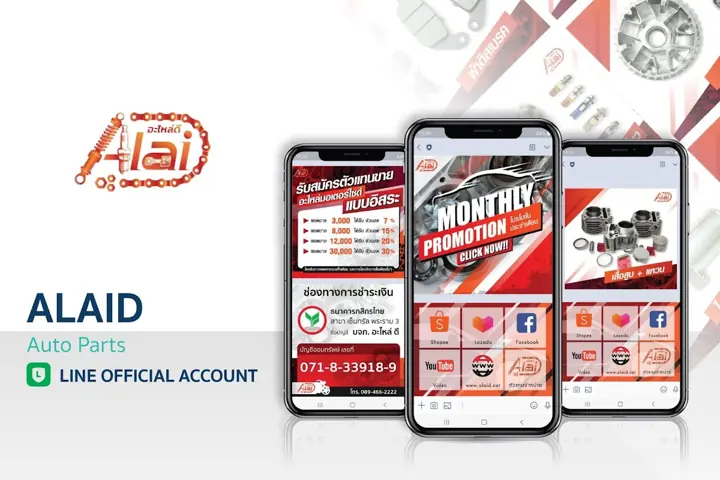
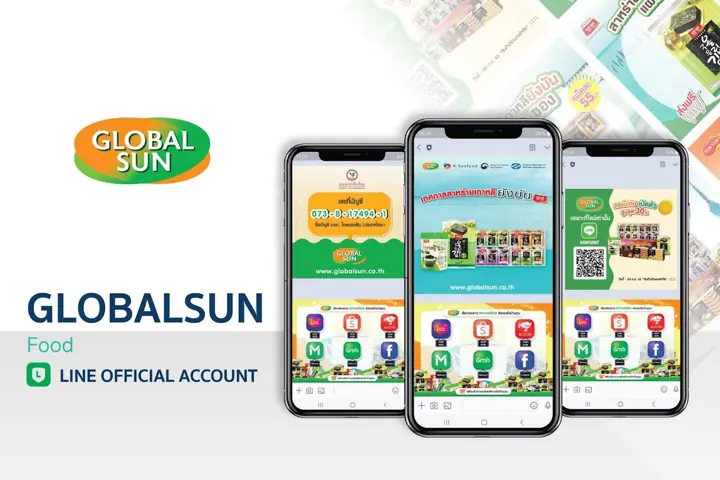
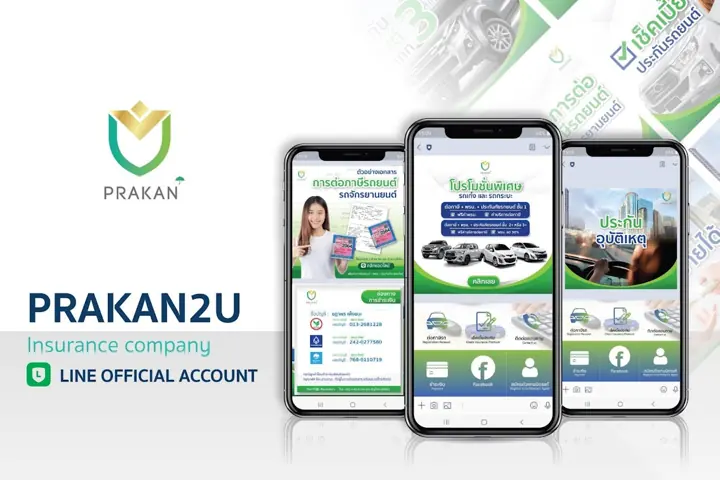
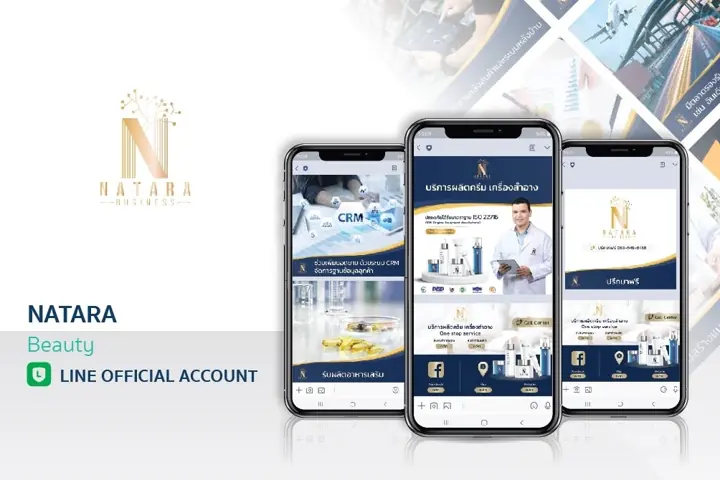
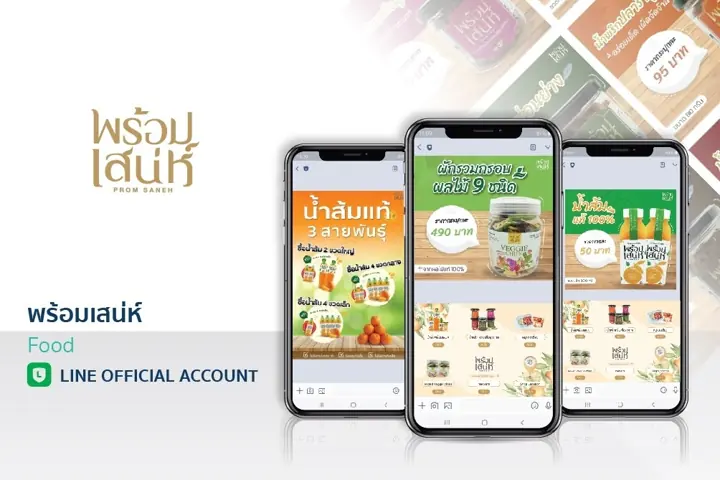
The Rich Menu is the large menu at the bottom of the chat. We design it around your customer journey, set up every button to work, and can schedule it to match your campaigns.
Managed by LINE Certified Coach 2026
✓What's included
- Lay out buttons around what your customers tap most
- Design the menu image in your brand CI, sized to LINE's specs
- Set each button, such as a link, coupon or keyword
- Schedule the display period for campaign menus
- Test every button on mobile before launch
!What you need to prepare
- The buttons you want, with each destination link, such as website, online shop, form or phone number
- Your logo and brand CI
- Promotions or coupons to include in the menu (if any)
- The display period, if it's a campaign menu
- LayoutChoose a template and order the buttons
- DesignCreate the menu image for your review and revisions
- Set upUpload the image and set up every button
- TestTest every button before going live
- Menu images must be JPG or PNG at 2500 x 1686 px or 2500 x 843 px, and should not exceed 1 MB.
- Tap areas must follow the system's templates. Free-form layouts or per-user menus require the Messaging API.
- Button labels for links or coupons can be up to 20 characters.
- Rich Menus do not appear on LINE for desktop.
- A new menu appears when users leave and re-enter the chat, and may be delayed on a poor connection.
Information from LINE Thailand and the Japanese LINE Official Account Manager manual, which covers the same system. LINE may change its terms, so our team checks the latest conditions before every project.
References: LINE Help: Rich MenuLINE Official Account Manager manual: Rich Menu
References: LINE Help: Rich MenuLINE Official Account Manager manual: Rich Menu

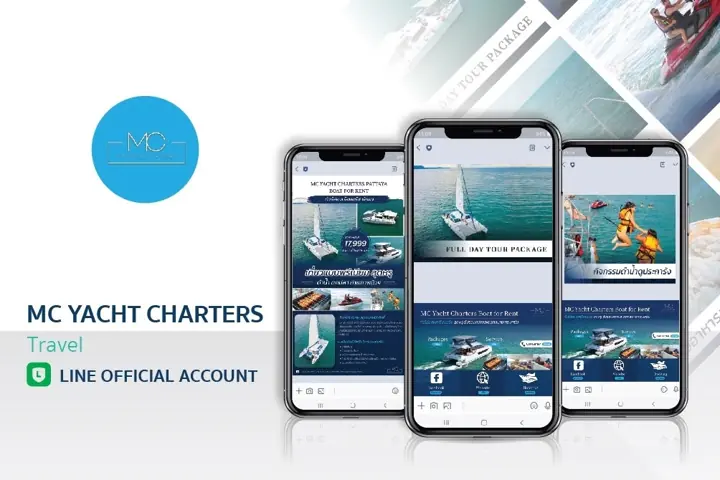
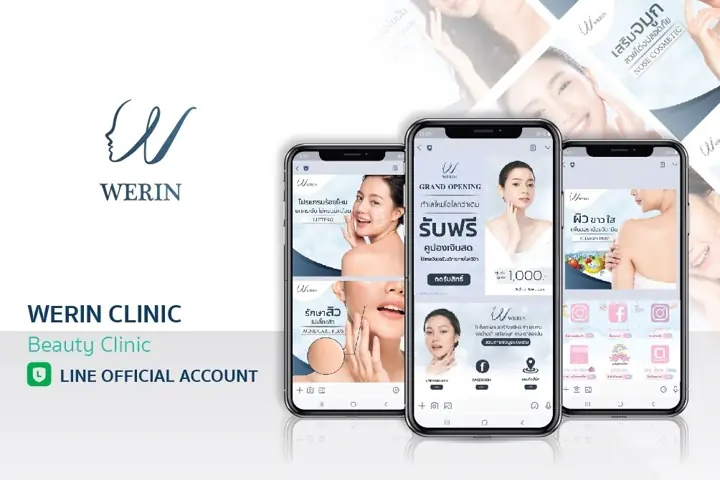
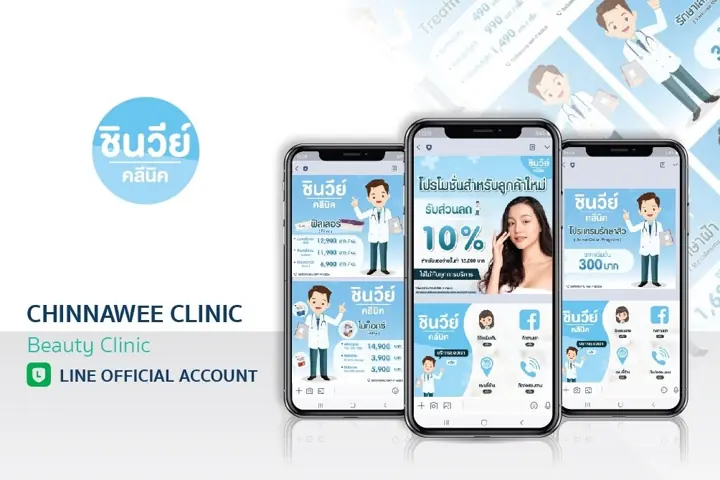
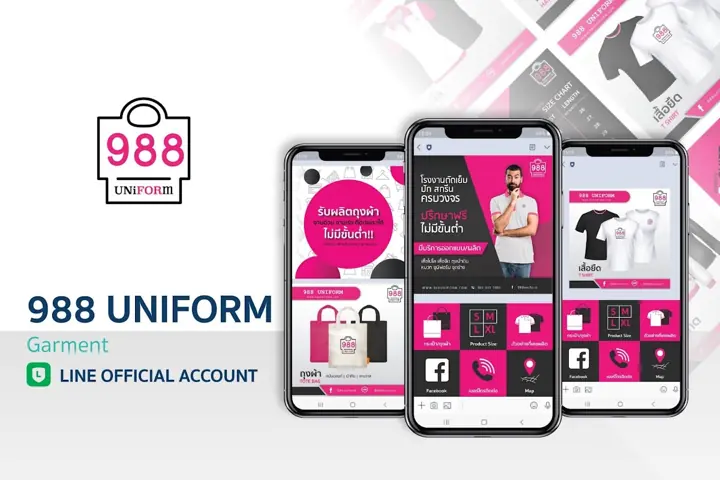
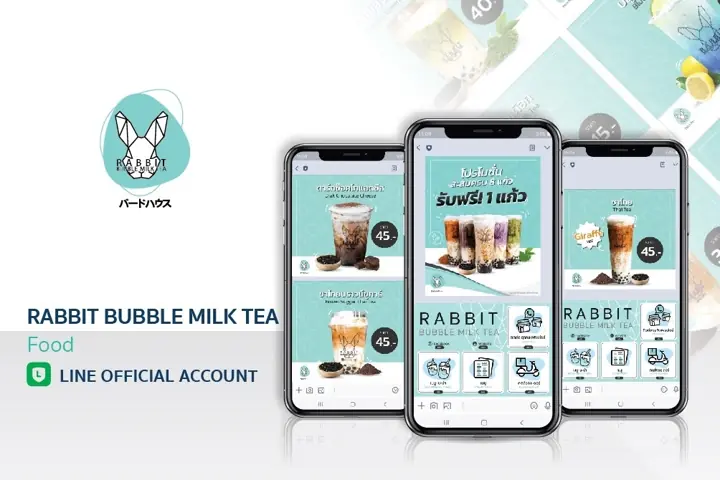
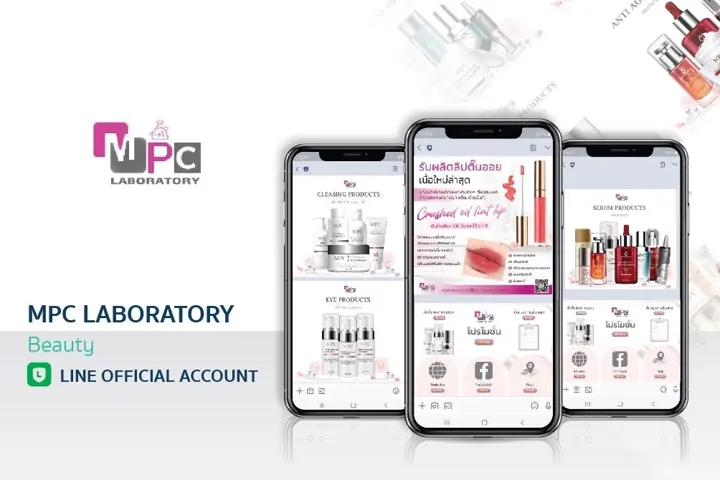
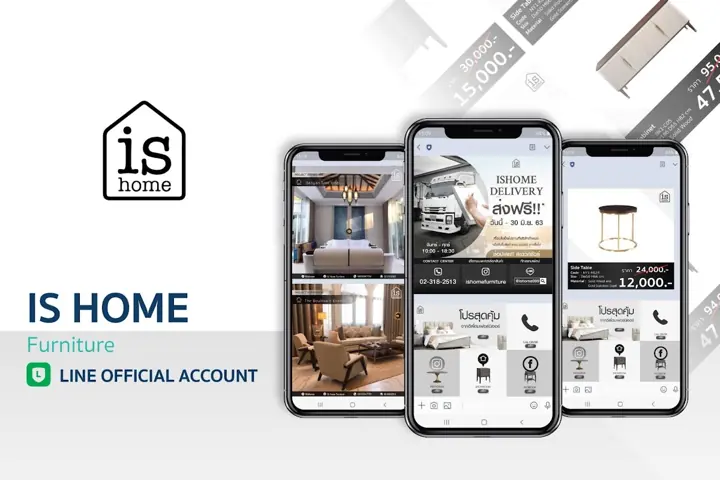
LINE Certified Coach 2026Led by Coach Orn, Rusada Noisong, certified by LINE Thailand.
Proven with Thai businessesWe manage LINE OA for brands across many industries, from restaurants and clinics to factories.
Clear pricing, no hidden costsPrices are on our website, with RADA's service fees clearly separated from what you pay LINE.
How often can I change the menu for promotions?
As often as you like, and display periods can be scheduled in advance. For monthly updates, the GROWTH package includes 1 menu image per month.
Ready to get started with the RADA team?
Message us first. Our team will look at what your account needs.